Meet

Neura HQ,
Your connected AI Agent Workforce Know more


Eliminate delivery delays and login drop-offs with secure WhatsApp OTP templates. Give your users a seamless experience while completely hiding the actual code from support agents inside the Team Box.
Book a demo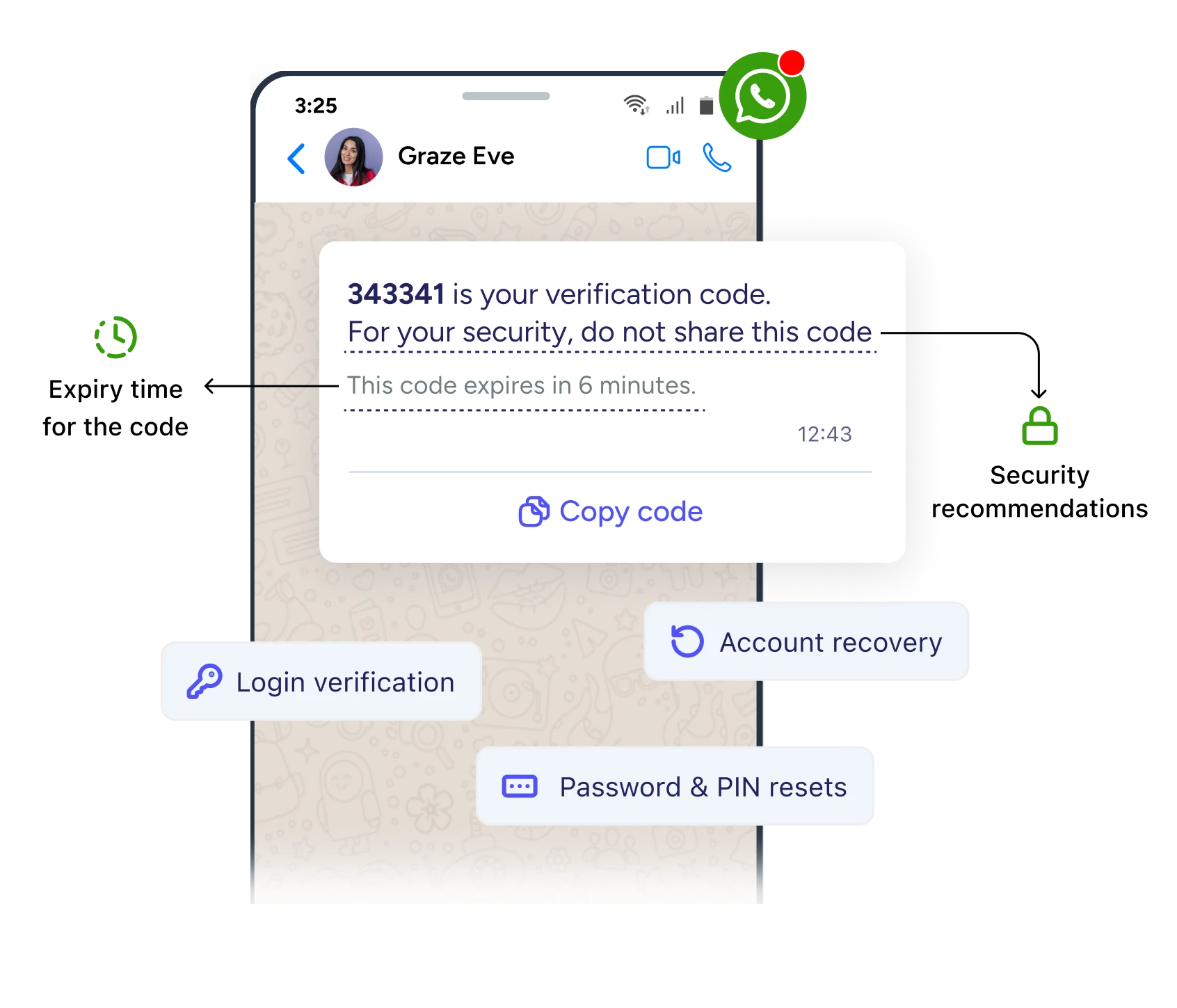






WhatsApp Authentication Templates are a Meta-approved message category built specifically for sending one-time passcodes and verification codes over the WhatsApp Business API. Your OTP shows up in the app your customers already check dozens of times a day, with a built-in Copy Code button so they never have to retype a single digit.
From payment confirmation to account recovery, WhatsApp authentication templates are perfect for various secure messages.
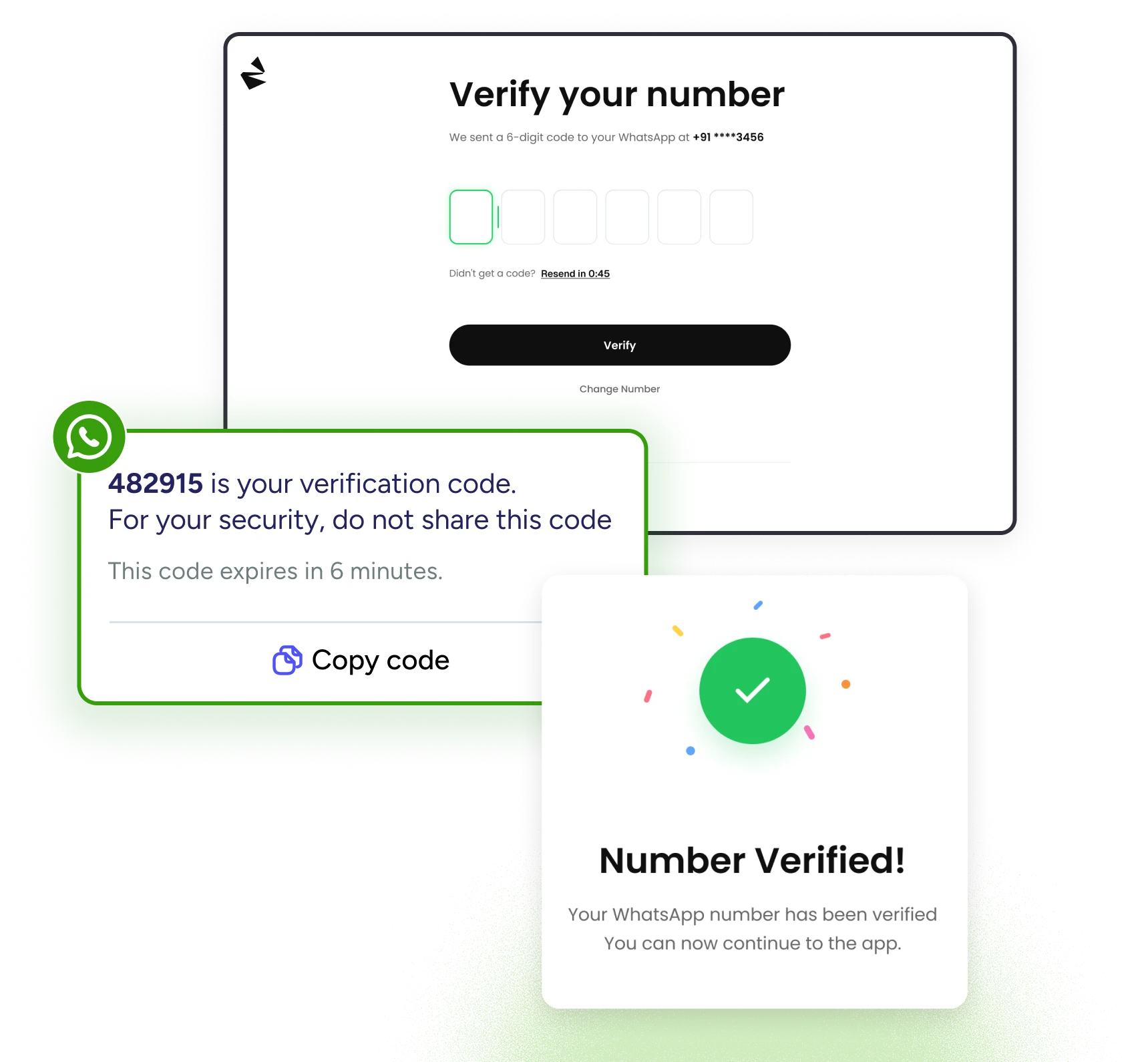
Confirm it's really your customer before granting account access, without adding friction to the sign-in flow.
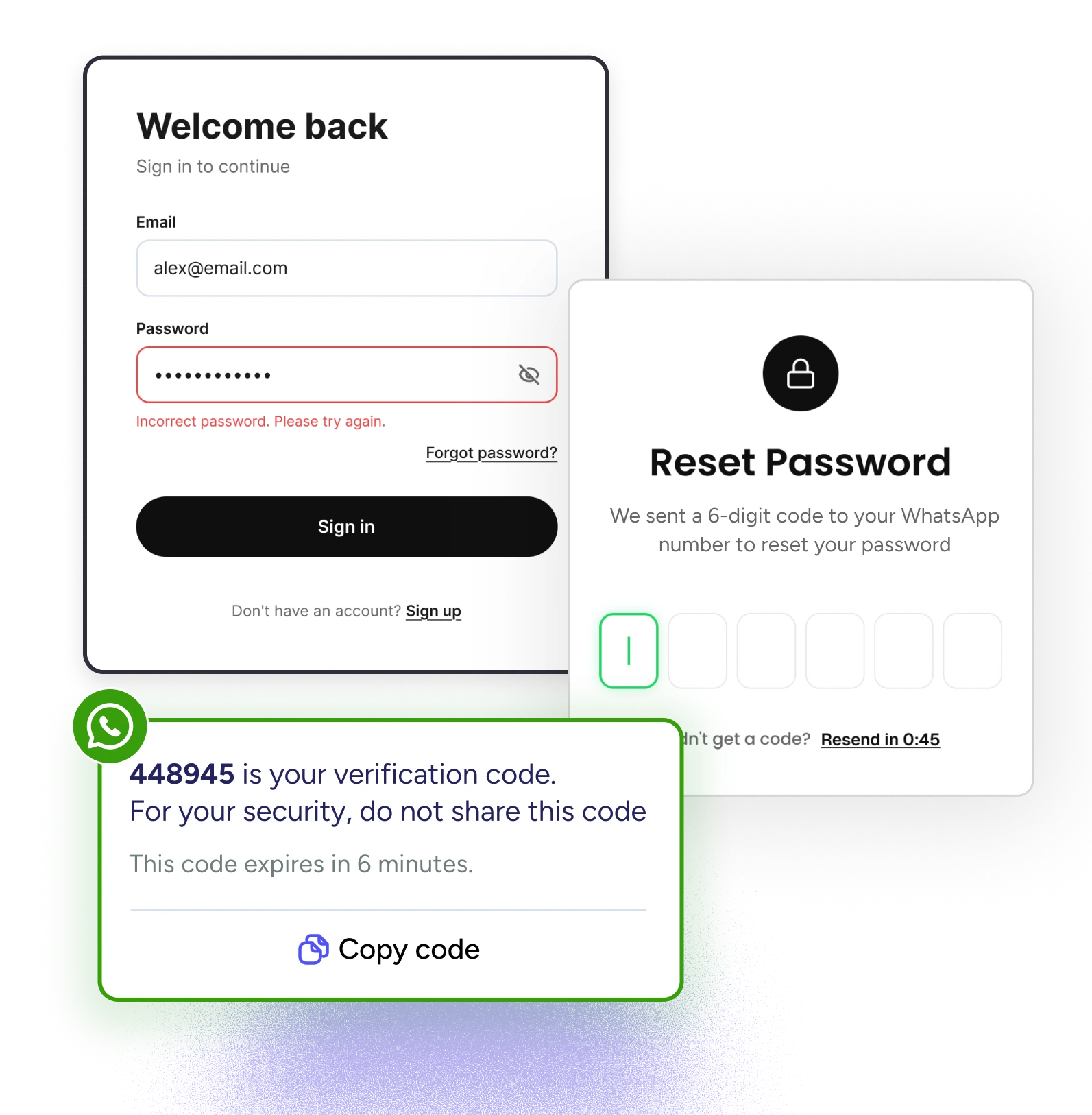
Send a secure code the moment a customer requests a reset so they're never stuck waiting on a delayed email.
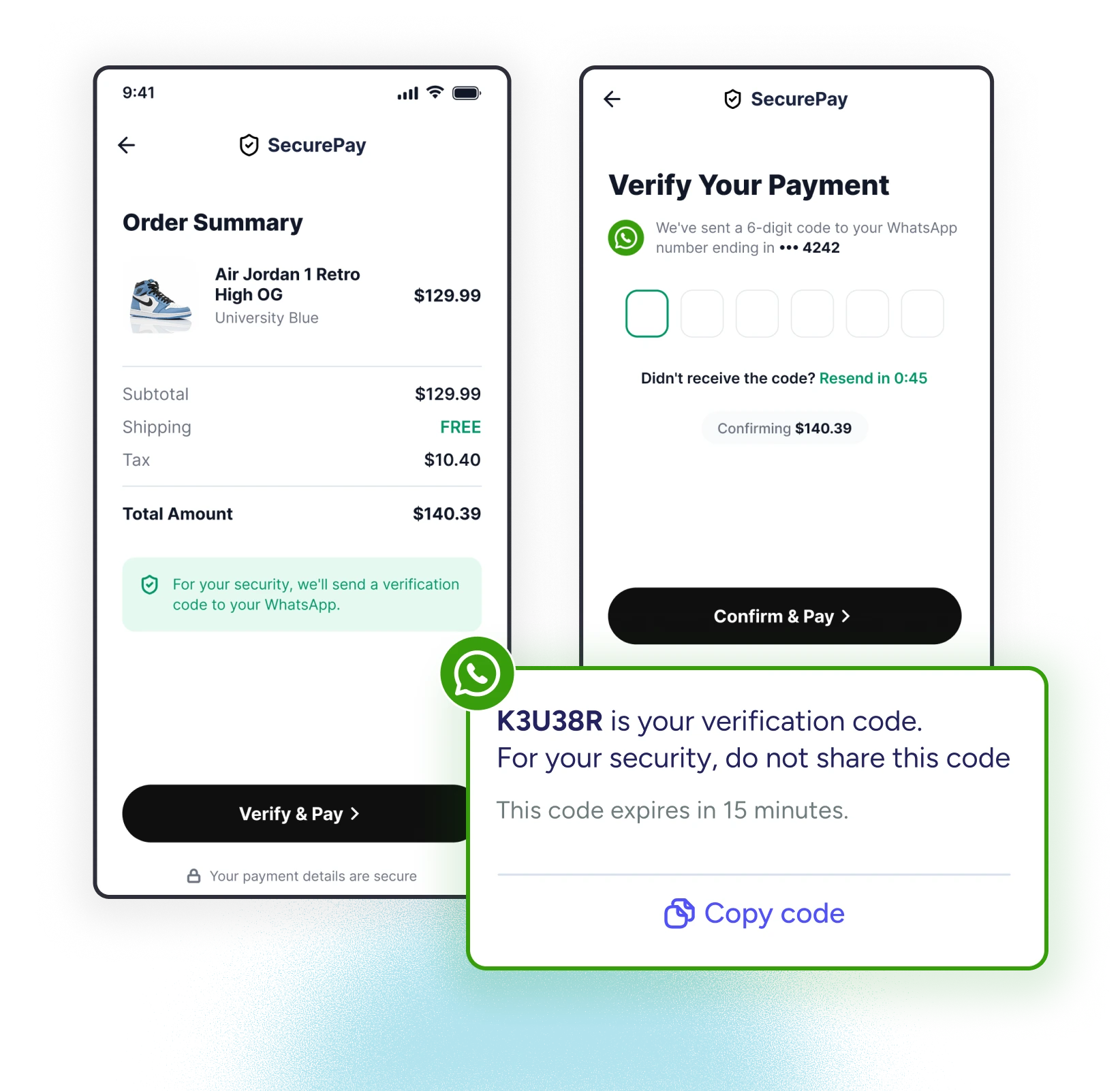
Add a verification step before high-value actions are complete, right inside the app customers already trust.
Help locked-out customers regain access fast, with a code that's effortless to copy and hard for anyone else to intercept.
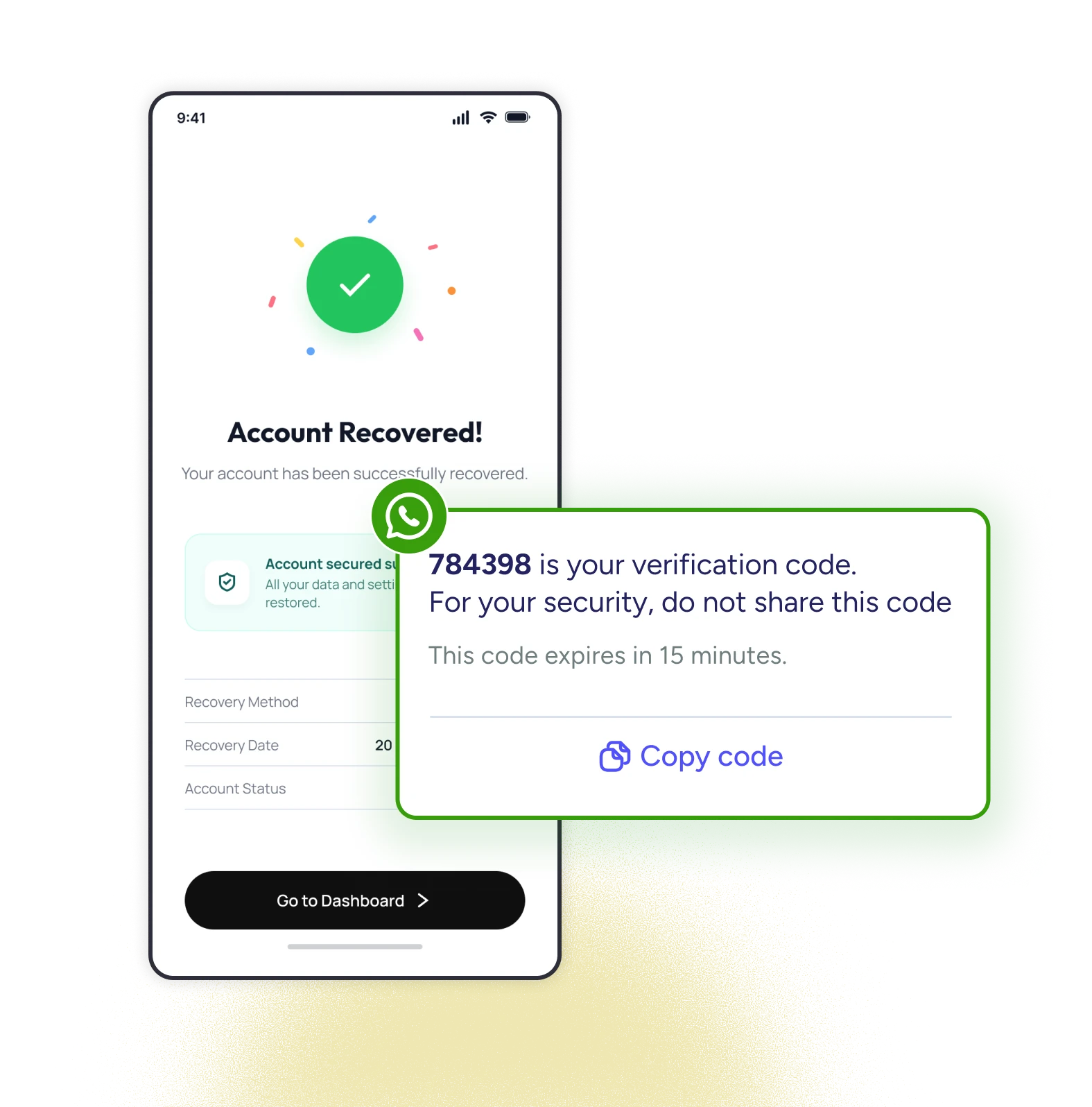
Authentication shouldn’t be a trade-off between user convenience and data security. ZEPIC ensures your users enjoy lightning-fast access while your internal operations remain completely secure through enterprise-grade privacy controls.
.svg)
WhatsApp messages arrive and are read in seconds, and with Copy Code, customers act immediately instead of losing time.
.svg)
OTPs are masked the moment they arrive. Agents can see that a code was sent (never the code itself), closing off an insider risk most WhatsApp verification flows leave open.
.svg)
Authentication templates run through their own dedicated meta-review category, so you launch with a compliant, pre-vetted message format from day one—no back-and-forth rejections.
.svg)
Set how long each OTP stays valid, down to the minute. Once that window closes, the code is useless, blocking replay attacks before they can happen.
Beyond OTPs, ZEPIC gives you everything else you need to run, automate, and analyze customer conversations at scale.
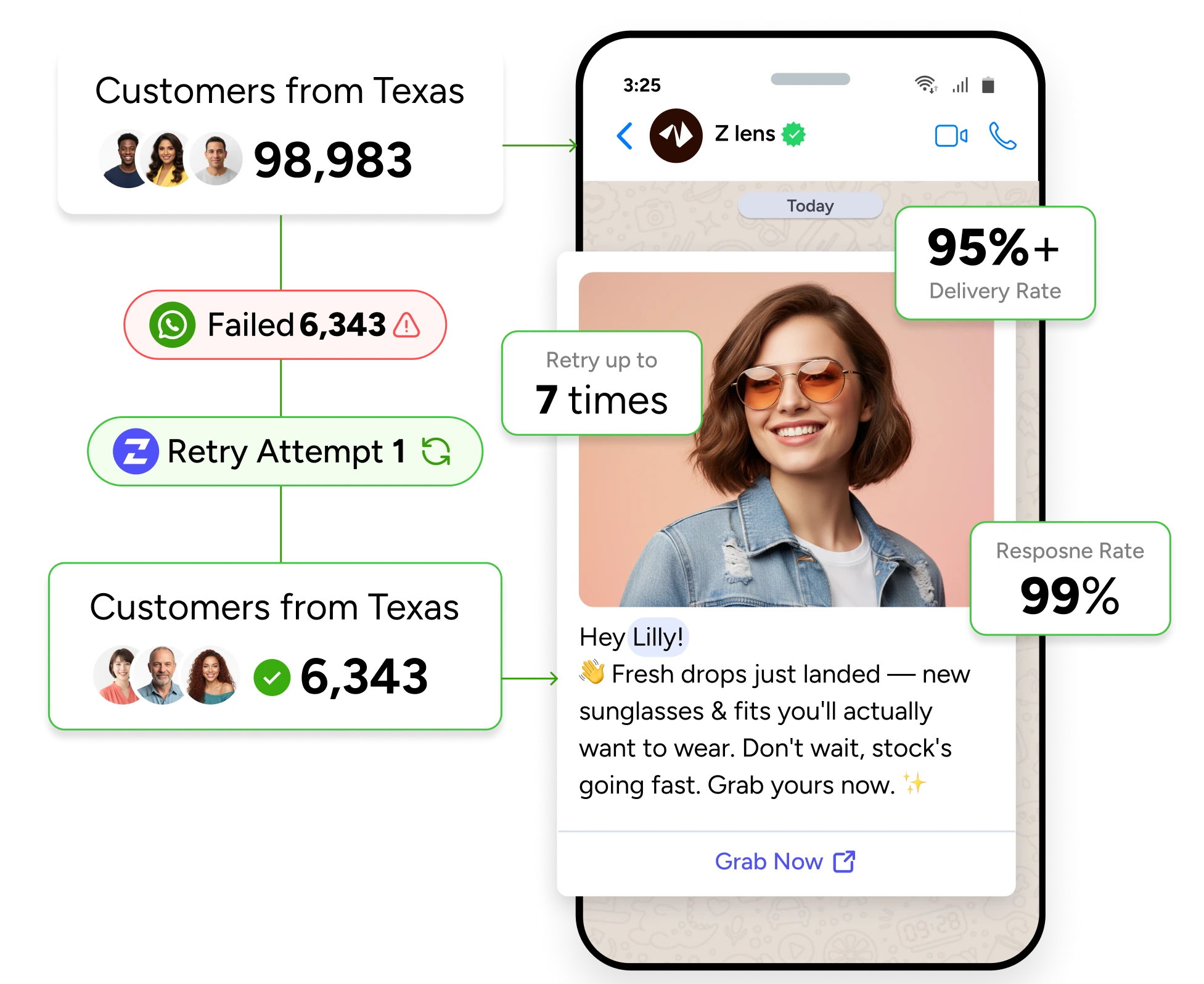
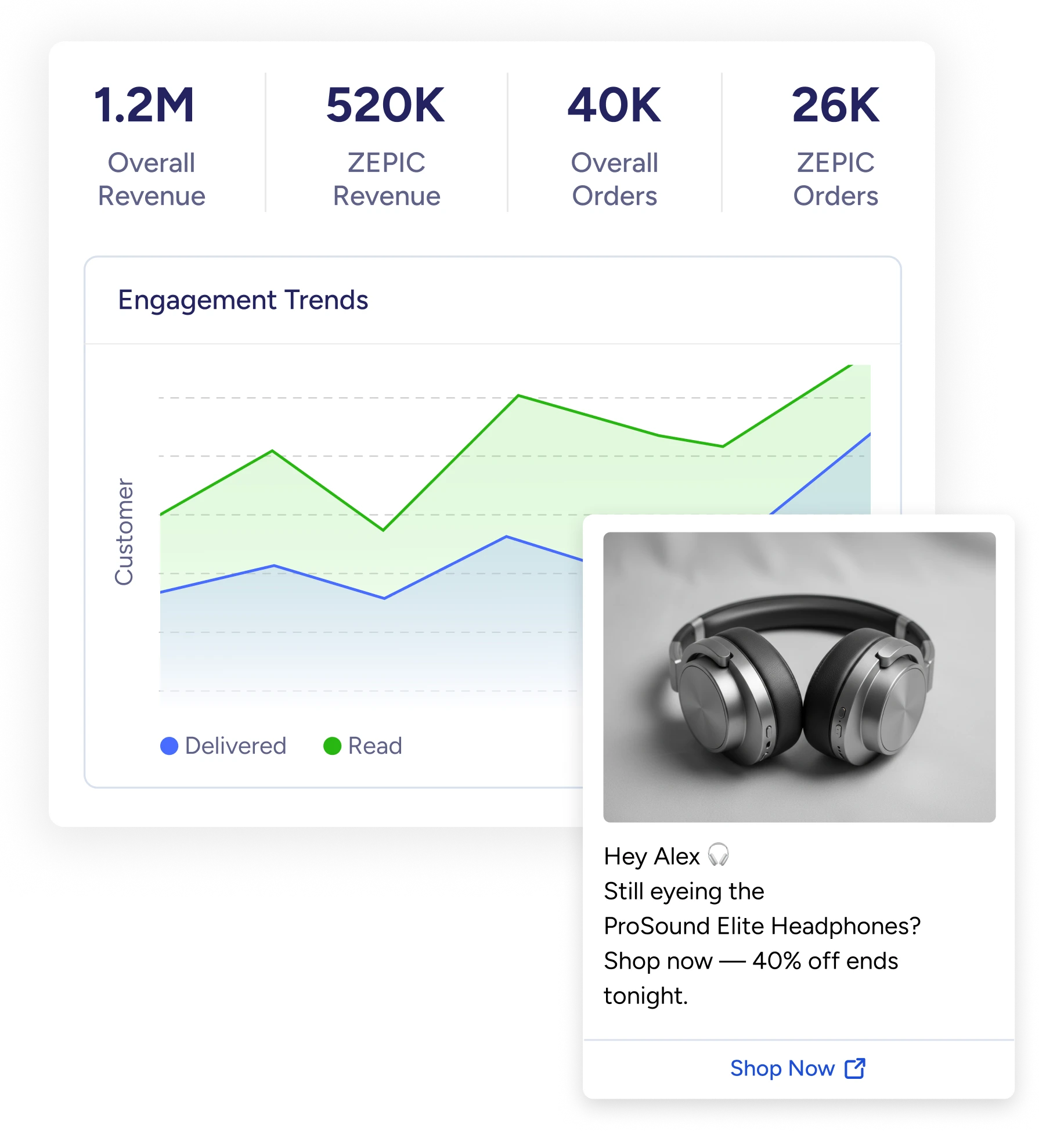
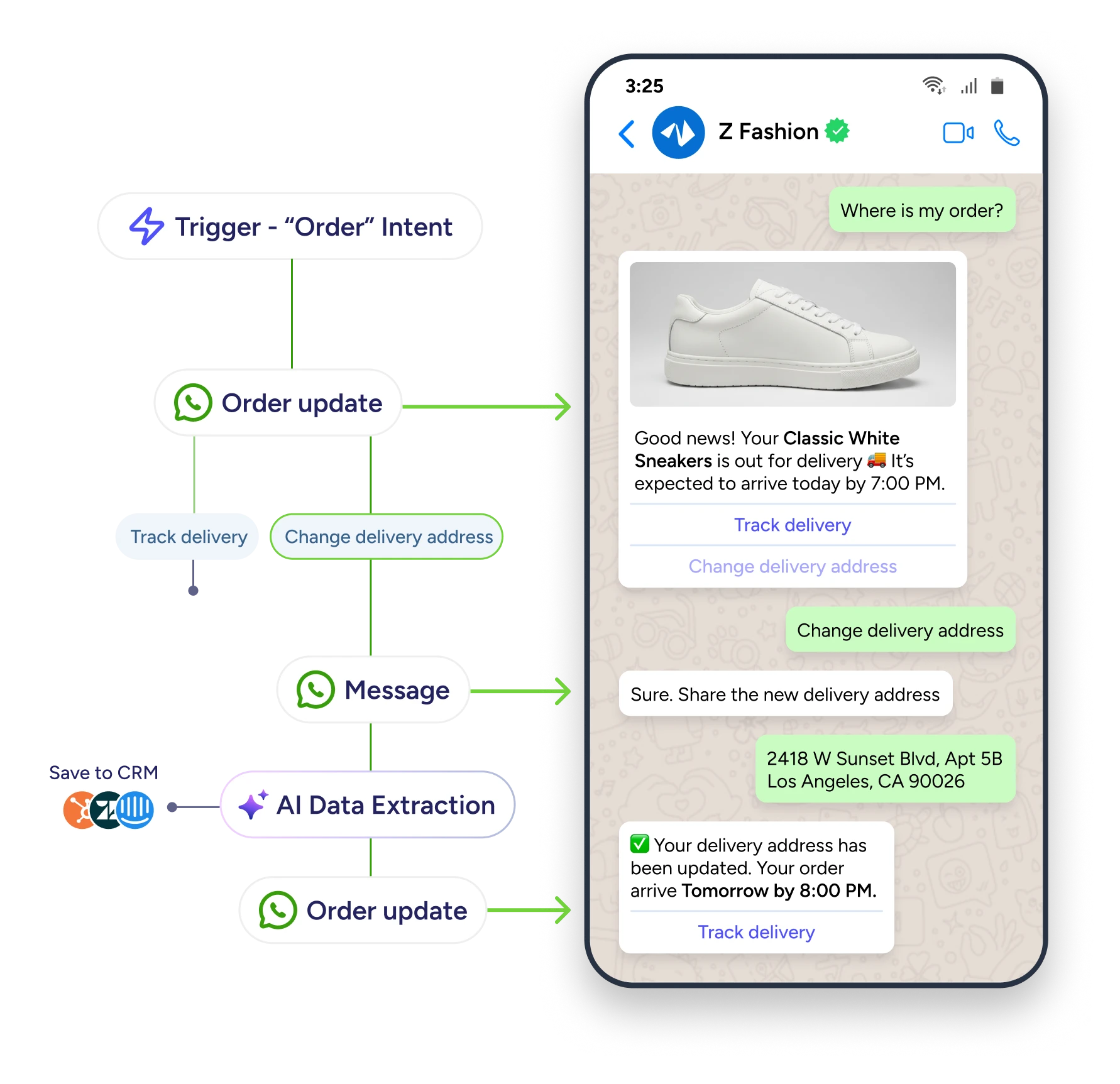
Every second a customer waits is a second closer to giving up. Send WhatsApp OTPs that land—and get copied—in seconds.
Book a DemoYes. Authentication templates are reviewed and approved under their own dedicated category, separate from Marketing and Utility templates.
Customization is intentionally limited. Meta restricts free text in authentication templates (no emojis, no marketing language) to keep these messages clearly recognizable and secure.
No. ZEPIC masks the OTP in the Team Inbox, so agents can confirm a code was sent without ever seeing the code itself, keeping verification codes out of reach of anyone who doesn't need them.
It's a button attached to the authentication message that lets customers copy the OTP to their clipboard, instead of manually reading and retyping it.
Authentication messages are billed under Meta's Authentication conversation pricing, which is separate from marketing and utility conversation rates.
No. Authentication templates are restricted to verification-code content only. Promotional content needs to go through marketing or utility templates instead.
You can create multiple, but we recommend one dedicated template per use case (login, reset, payment confirmation, etc.) to keep tracking and analytics clean.

%201.png)


