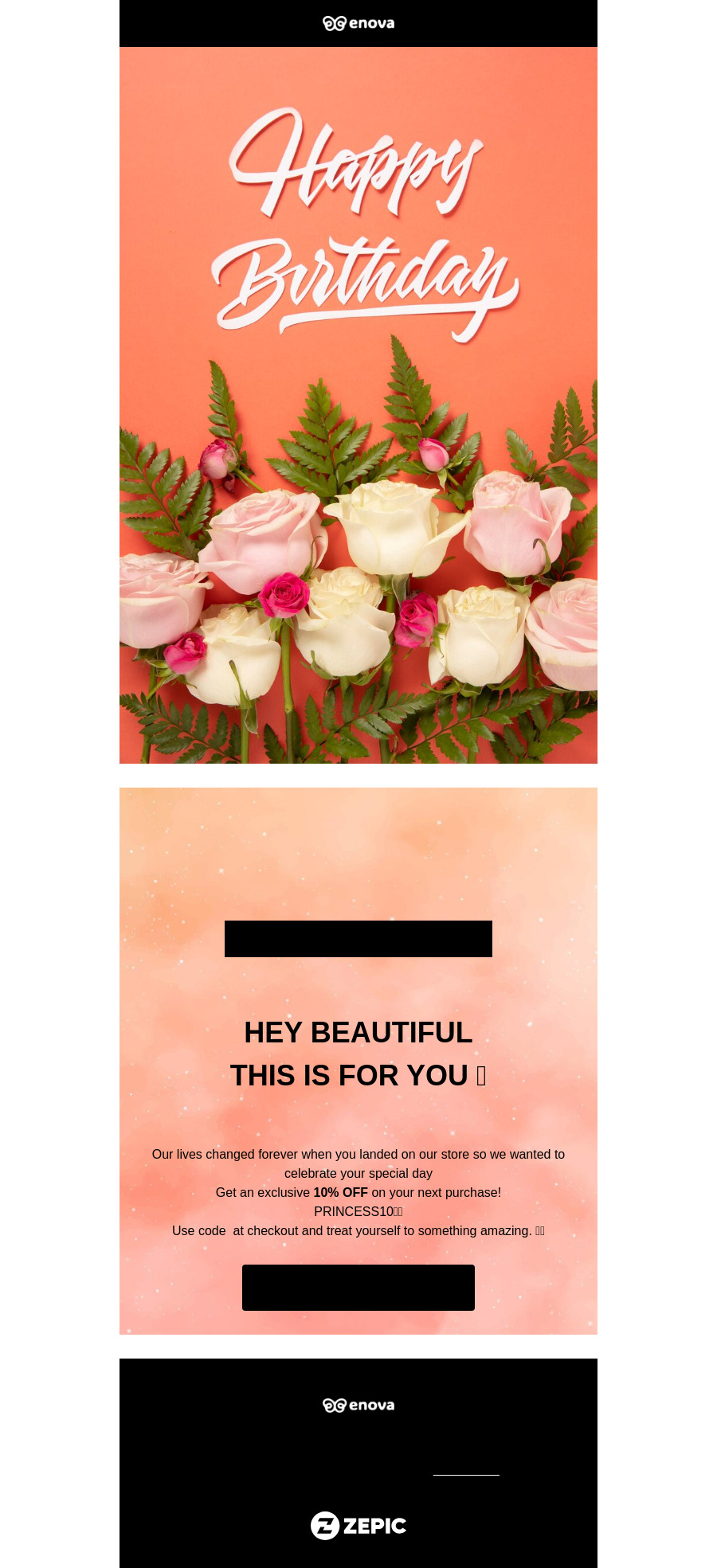
Email Preview

Create your first newsletter in minutes. Our free plan includes access to the most important features including workflow automation, customer 360, Multi channel inbox, segments and lists, object management and more.

Register to use it
Try
other free tools

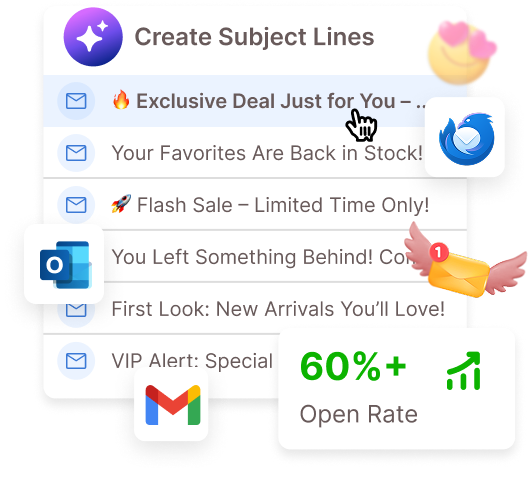
AI Email Subject Line Generator

Create inbox-stopping headlines in seconds with AI trained on 60%+ open rate emails.

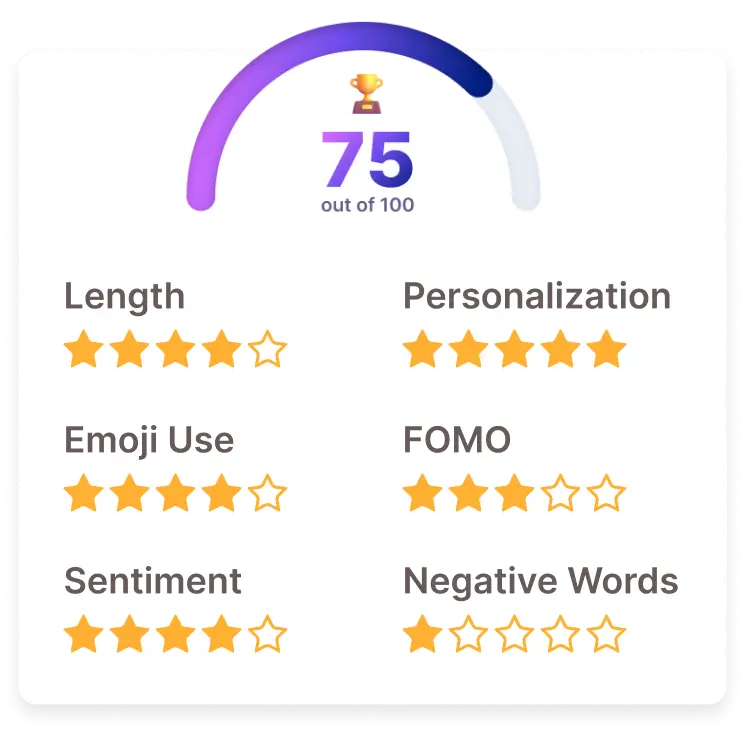
Email Subject Line Analyzer

Zenie AI learned from 100k+ subject lines with 60%+ open rates to give you the ultimate free tester!

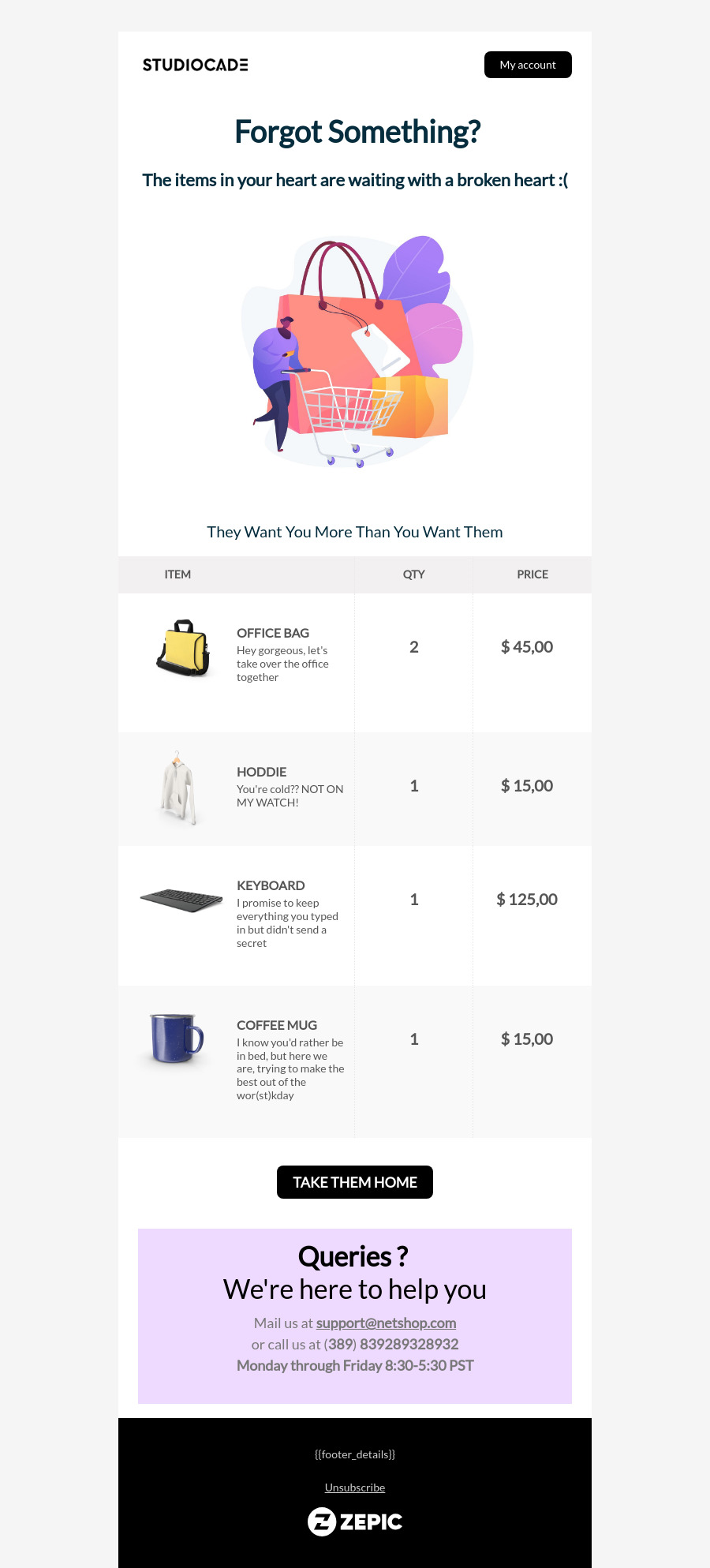
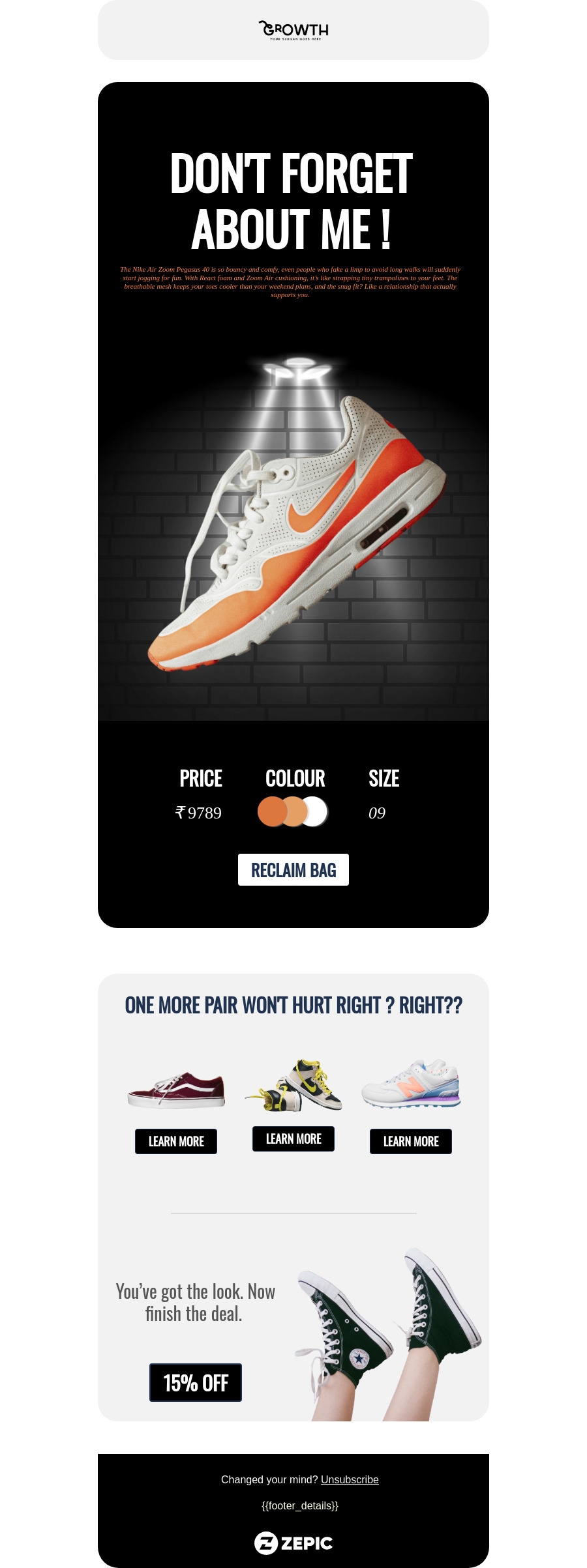
Ready-to-use Email Templates for Campaigns that convert

Browse our collection of free, customizable email templates designed to nurture customer relationships and increase sales.

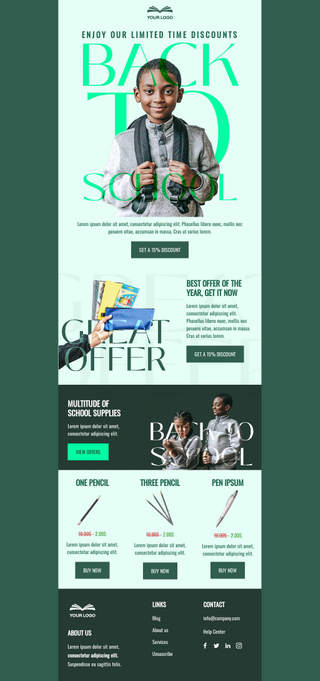
New year offer for school kids

Discount Campaigns, Others

Back to School Bonanza

Discount Campaigns, Others

Autumn Savings Spree

Discount Campaigns, Others

Textbook Markdown Mania

Discount Campaigns, Others

Scholastic Summer Blowout

Discount Campaigns, Others

Cyber Monday Modern Minimal

Discount Campaigns, Others

Study Buddy Savings

Discount Campaigns, Others

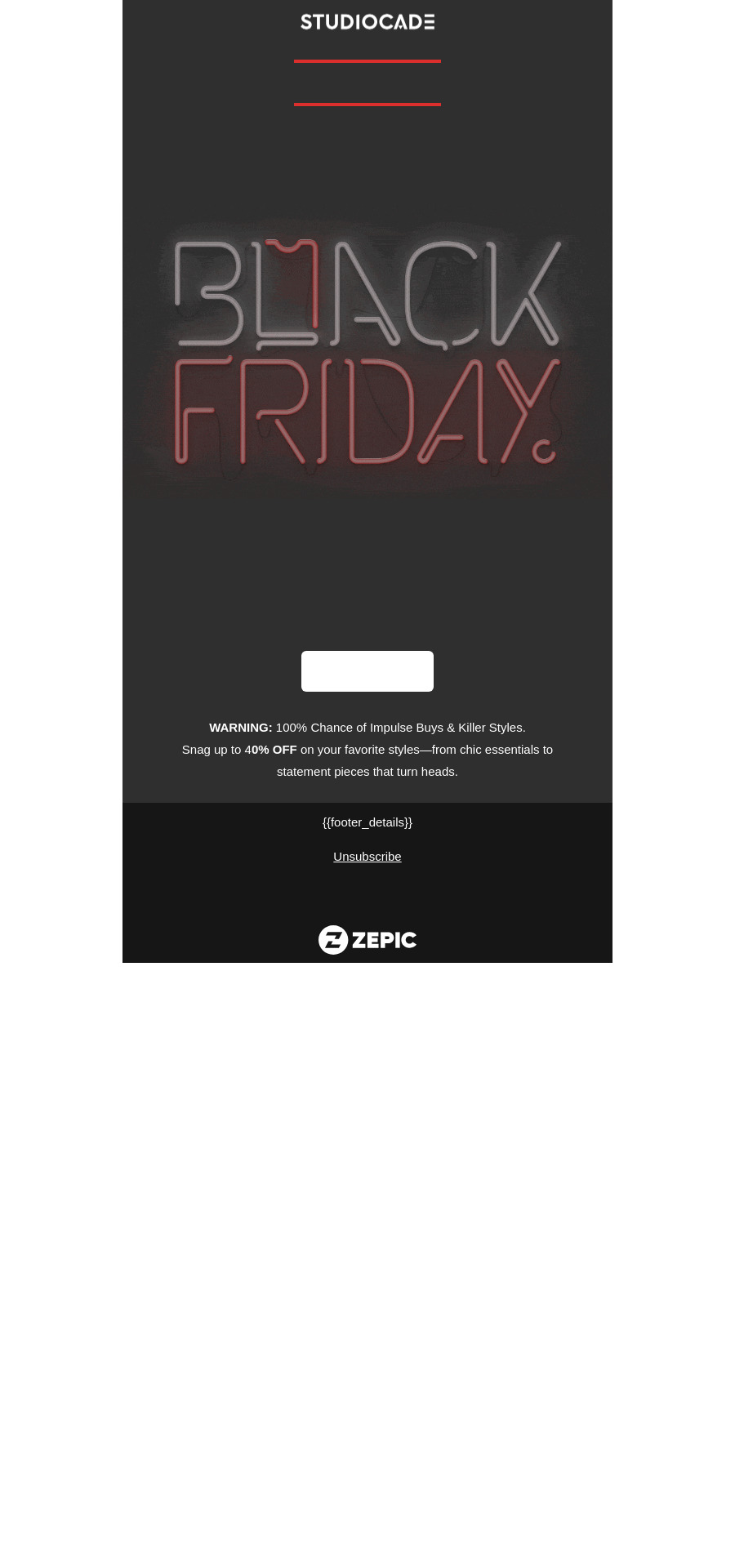
Red/Black Pop Art

Discount Campaigns, Others

Scholastic Summer Blowout

Discount Campaigns, Others

Cyber Monday Modern Minimal

Discount Campaigns, Others

Study Buddy Savings

Discount Campaigns, Others

Red/Black Pop Art

Discount Campaigns, Others

New year offer for school kids

Discount Campaigns, Others

Back to School Bonanza

Discount Campaigns, Others

Autumn Savings Spree

Discount Campaigns, Others

Textbook Markdown Mania

Discount Campaigns, Others

New year offer for school kids

Discount Campaigns, Others

Back to School Bonanza

Discount Campaigns, Others

Study Buddy Savings

Discount Campaigns, Others

Red/Black Pop Art

Discount Campaigns, Others

Autumn Savings Spree

Discount Campaigns, Others

Textbook Markdown Mania

Discount Campaigns, Others

Scholastic Summer Blowout

Discount Campaigns, Others

Cyber Monday Modern Minimal

Discount Campaigns, Others

New year offer for school kids

Discount Campaigns, Others

Autumn Savings Spree

Discount Campaigns, Others

Scholastic Summer Blowout

Discount Campaigns, Others

Red/Black Pop Art

Discount Campaigns, Others

New year offer for school kids

Discount Campaigns, Others

Back to School Bonanza

Discount Campaigns, Others

Study Buddy Savings

Discount Campaigns, Others

Red/Black Pop Art

Discount Campaigns, Others

Back to School Bonanza

Discount Campaigns, Others

Textbook Markdown Mania

Discount Campaigns, Others

Scholastic Summer Blowout

Discount Campaigns, Others

Study Buddy Savings

Discount Campaigns, Others

New year offer for school kids

Discount Campaigns, Others

Back to School Bonanza

Discount Campaigns, Others

Autumn Savings Spree

Discount Campaigns, Others

Textbook Markdown Mania

Discount Campaigns, Others

Scholastic Summer Blowout

Discount Campaigns, Others

Cyber Monday Modern Minimal

Discount Campaigns, Others

Study Buddy Savings

Discount Campaigns, Others

Red/Black Pop Art

Discount Campaigns, Others

Benefits of email templates

Save time

Launch campaigns
quickly without design
bottlenecks

Boost engagement

Professionally designed templates that look great on every device

Stay consistent

Keep your brand
identity intact across
campaigns

Drive sales

Proven layouts built
to convert browsers
into buyers

Things to consider when selecting a template

Not all templates fit every campaign. Here are a few pointers to help you pick the right one:

  • Goal of your campaign:

    Are you driving sales, recovering carts, or just nurturing relationships? Select a template that aligns with your objective.

  • Audience & tone:

    A festive design might work for holiday shoppers, but a clean, minimal layout suits transactional updates better.

  • Mobile-friendliness:

    Most users check emails on their phones, so make sure the template looks great across devices.

  • Customization needs:

    Choose a template that gives enough room for your brand colors, product visuals, and CTAs.

  • Email type:

    Different types (promotional, transactional, or seasonal) have their own best practices for structure and copy; choose one built for your specific campaign.

  • đź’ˇ Pro tip:

    Start with a template that matches your campaign type, then tweak the design and content to fit your brand.

When Should You Use These Templates? 

Templates are great for getting campaigns out quickly, but sometimes you need to see how they fit into a bigger strategy.

That’s where our Use Case Library comes in. It’s packed with real-world  showing how brands use email and WhatsApp together to

  • Recover lost revenue from abandoned carts.

  • Drive urgency during holiday sales.

  • Send personalized recommendations that bring repeat sales.

  • Automate transactional updates like order confirmations and shipping alerts.

Explore the Use Case Library

Looking for WhatsApp Templates?

Email isn’t the only way to reach your customers. Pair your campaigns with WhatsApp templates to:

  • Deliver instant order updates.

  • Send time-sensitive offers right where customers are most active.

  • Build conversational journeys that boost engagement.

  • Browse our ready-to-use WhatsApp templates and create powerful, multi-channel campaigns in minutes.
Explore the Use Case Library

Frequently Asked Questions

Everything you need to know about implementing discount laddering strategies for your eCommerce business.

Should I send the same template to all subscribers?

Not always. Segmenting your audience (new vs. returning customers, high-value vs. bargain hunters) makes templates far more effective. The same structure can be reused, but tailoring the copy, offers, or product highlights boosts results.

How do I avoid my emails looking “template-y”?

Personalization is key. Swap in your own visuals, play with layout variations, and add dynamic fields like first name, product recommendations, or location-based offers. Small tweaks make a big difference in making a template feel unique.

Do I need different templates for mobile and desktop?

No — all ZEPIC templates are responsive. But best practice is to preview on multiple devices before sending. That way, you can double-check text sizes, button placements, and image scaling to ensure a smooth experience everywhere.