Meet

Neura HQ,
Your connected AI Agent Workforce Know more



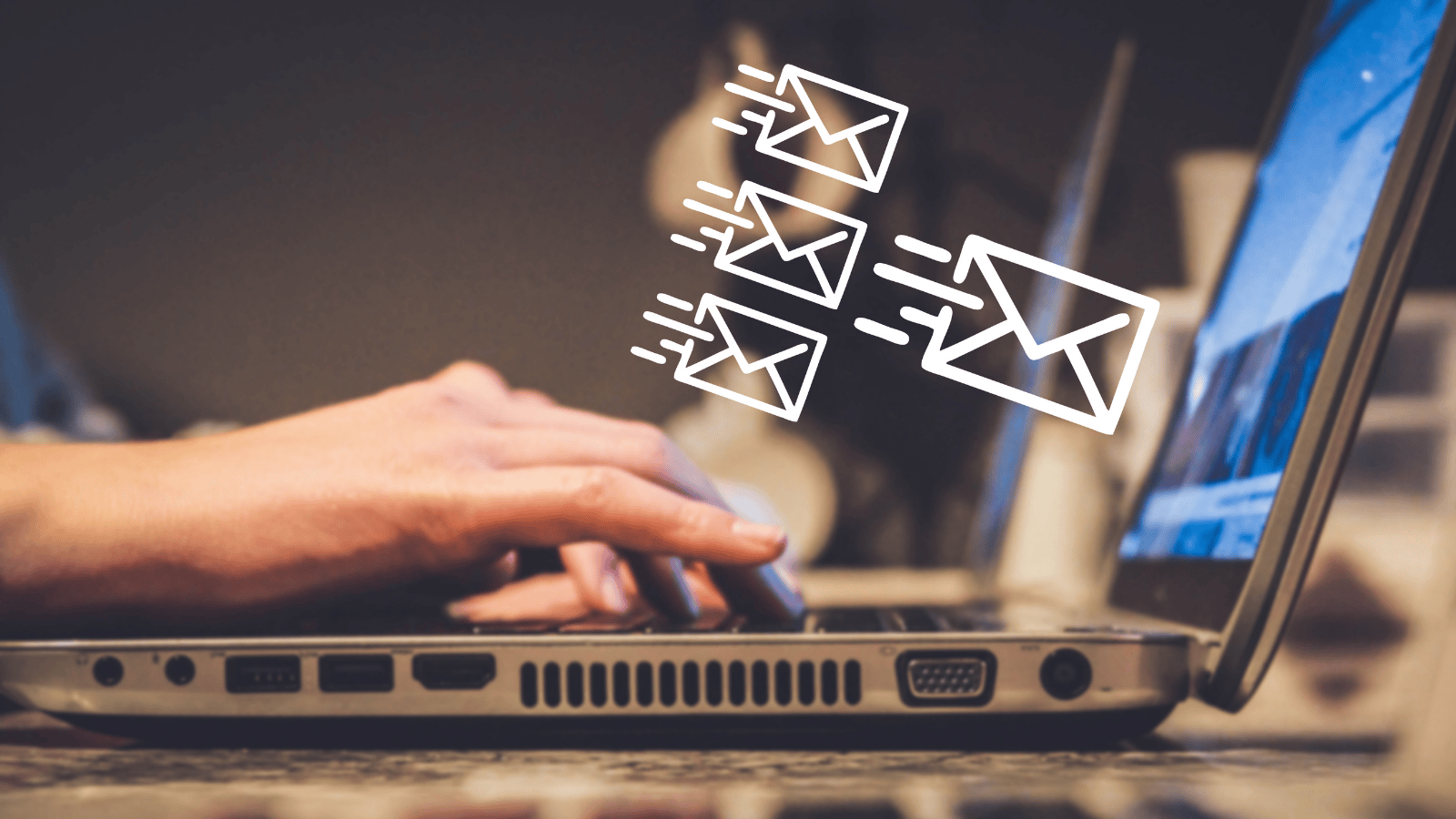
In 2025, email marketing remains one of the highest ROI digital marketing channels, with an average return on investment of $42 for every $1 spent. Yet, with increasing competition and customer expectations, manual email campaigns are no longer efficient or scalable.
Automating your email marketing efforts can help you scale personalized communications, improve customer retention, and boost revenue with less manual effort.
But where do you get started?
Let’s break it down step by step in this guide to email marketing automation.
Automation transforms email from a one-size-fits-all broadcast into a precise, behavior-driven dialogue.
Research shows automated emails generate up to 70.5% higher open rates and 152% higher click-through rates compared to non-automated campaigns. This dramatic uplift is because automation delivers messages triggered by real customer actions or milestones.
Instead of sending the same message to everyone, automation allows you to send personalized communications based on a subscriber's stage in their journey. For instance, a welcome series introduces new subscribers to your brand, while an abandoned cart email nudges a shopper to complete their purchase.
With automation, you can:
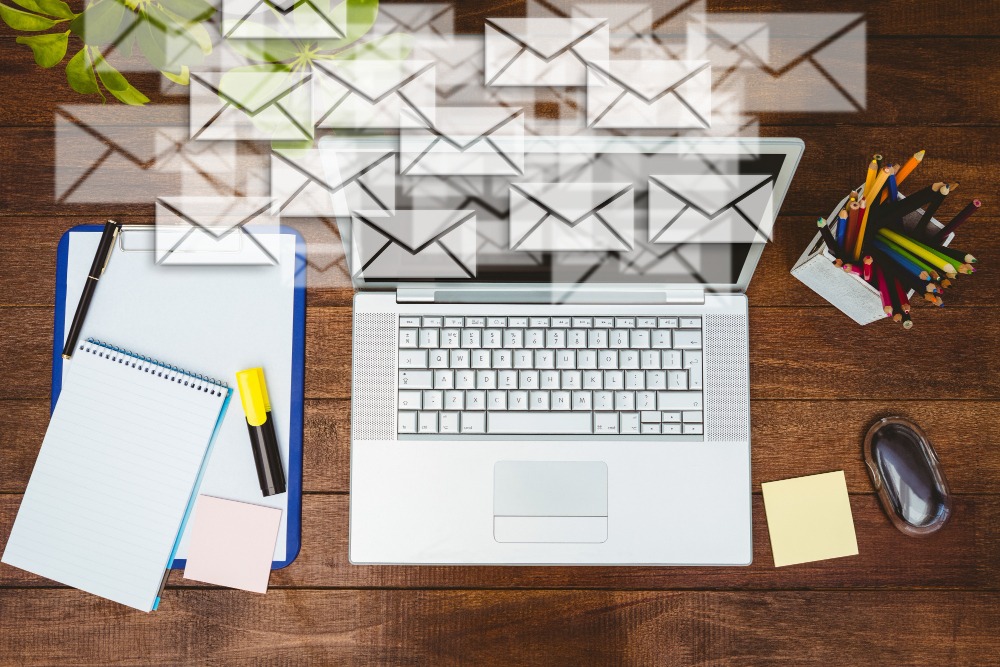
Before you dive into tools and workflows, start by clarifying what you want to achieve and who you’re targeting.
Ask yourself:
Your goals will determine the type of automation to set up. For example:
Once your goals and audience segments are defined, the next step is to choose an email marketing platform that aligns with your business needs and budget.
When evaluating tools, look for these key features:
Automation Workflows: The ability to set up triggers (like sign-ups, purchases, or inactivity) that automatically send targeted emails.
Segmentation and Personalization: Options to create audience segments and personalize messages using dynamic fields (like names, locations, or product preferences).
Drag-and-Drop Editor: A user-friendly email builder that doesn’t require coding knowledge.
Analytics and Reporting: Detailed insights on open rates, clicks, conversions, and unsubscribe data to measure performance.
Integrations: Compatibility with your CRM, eCommerce platform, or lead management tools to sync customer data seamlessly.
Scalability: The flexibility to grow with your business as your list and campaign complexity increase.
A tool worth exploring: ZEPIC is an emerging all-in-one marketing automation platform designed for growing businesses and agencies. It combines advanced segmentation, no-code automation workflows, and real-time analytics in a single dashboard. What sets ZEPIC apart is its built-in Customer Data Platform (CDP), which unifies customer information from multiple channels—email, WhatsApp, and Instagram—to deliver hyper-personalized campaigns at scale. If you’re looking for an intuitive yet powerful tool to manage omnichannel automation, ZEPIC is a strong contender.
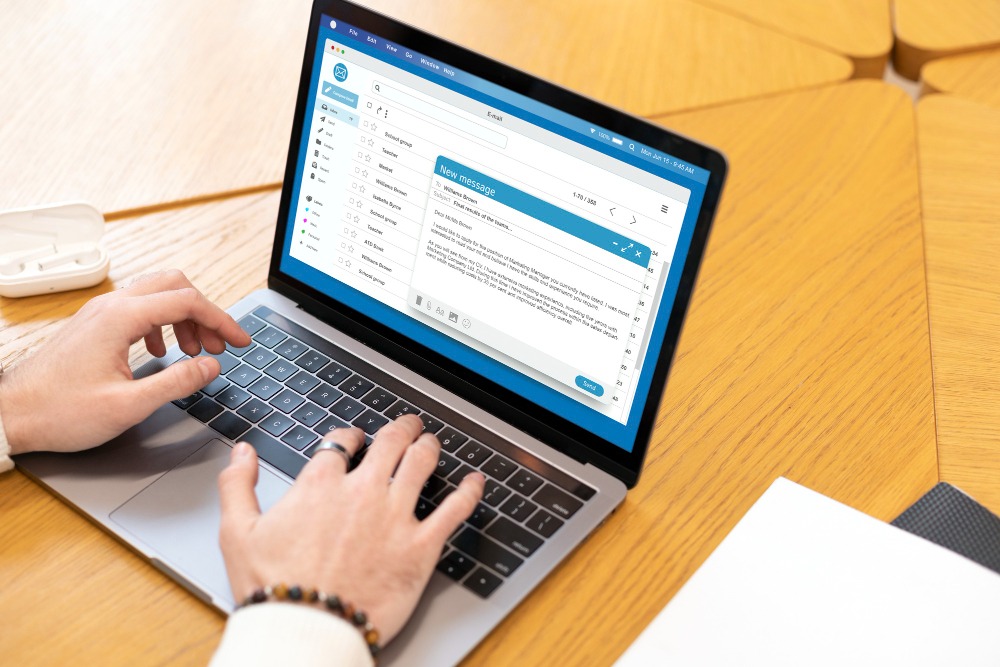
Once you’ve selected your email marketing platform, it’s time to bring your audience data into the system. Importing your email list correctly ensures your automations reach the right people and comply with data privacy standards.
Start by gathering your subscriber data from existing sources such as:
Most email marketing tools let you upload lists via CSV file or integrate directly with other systems to sync data automatically.
Before uploading, make sure to:
Clean your list: Remove invalid, duplicate, or unengaged email addresses to protect deliverability.
Verify consent: Ensure every contact has opted in to receive emails from you to comply with data protection regulations (like GDPR).
Next, segment your email list based on demographic, behavioral, and transactional data. Because segmentation improves message relevance, which directly impacts conversion rates.
Here are a few smart segments to get started with:
Start with two or three meaningful segments first. As your list grows, refine and add more layers based on customer data and engagement patterns.
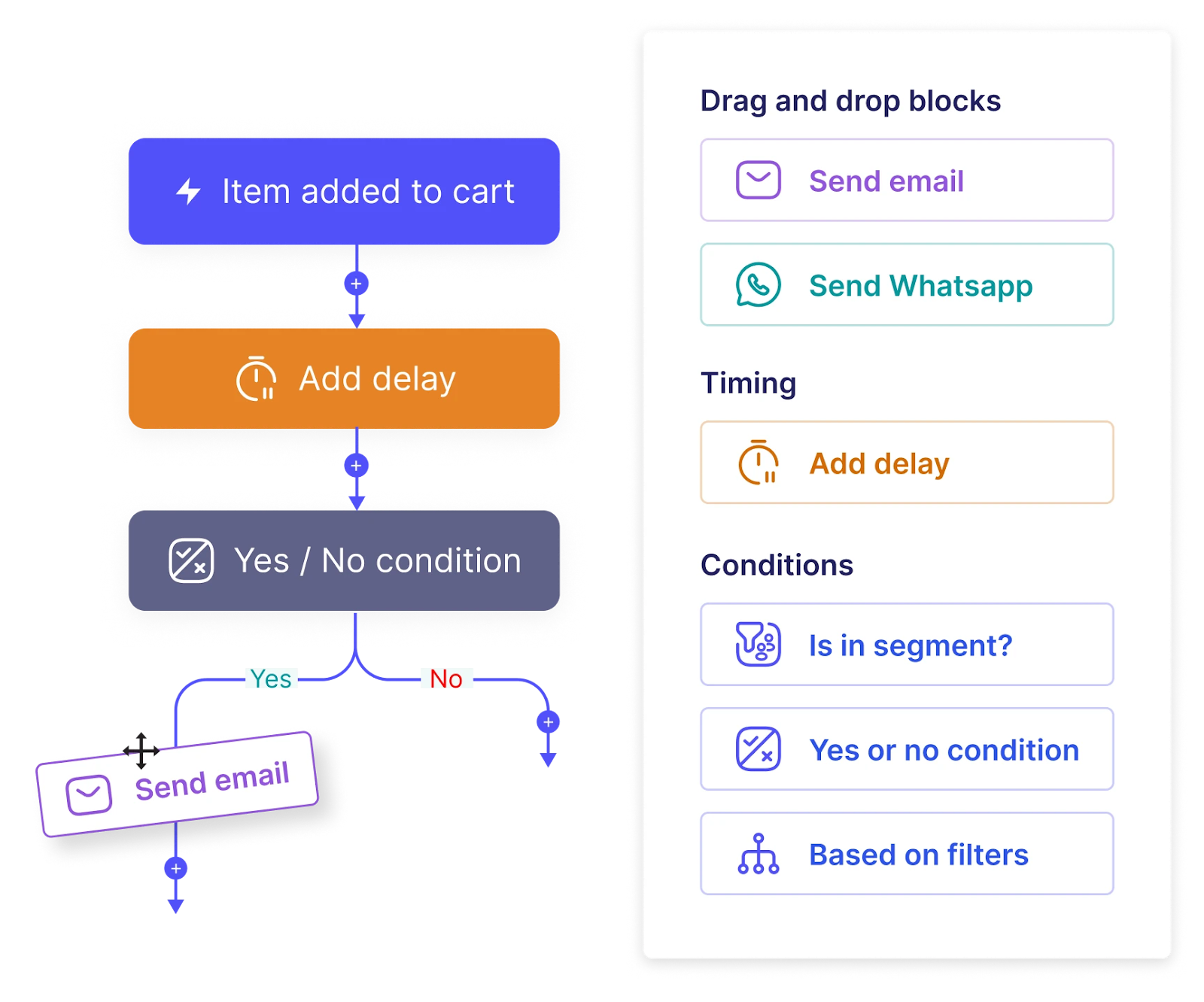
Now that your lists are imported and segmented, it’s time to put automation into action.
An email workflow is a series of pre-scheduled, trigger-based emails that guide a subscriber through a specific journey. Triggers could be anything from signing up for your newsletter to abandoning a shopping cart or completing a purchase.
Here are some foundational workflows every business should set up:
Pro Tip: Platforms like ZEPIC simplify workflow creation with drag-and-drop automation builders and multi-channel triggers (email and WhatsApp). This allows you to design seamless customer journeys, for instance, sending a WhatsApp reminder after an abandoned cart email goes unopened.
A well-designed email is visually engaging, easy to read, and aligned with your brand identity.
Here’s how to get it right:
1. Keep Your Layout Simple and Mobile-Friendly: Use a clean, single-column layout with plenty of white space, short paragraphs, and clear buttons.
Always preview your design on desktop and mobile before sending.
2. Write Compelling Subject Lines: Keep it concise (under 50 characters) and avoid spammy language.
3. Personalize the Message: Use dynamic tags (like first names or product recommendations) to make your emails feel more human. Even simple personalization, such as “Hey Sarah, your cart is waiting” can increase open rates and conversions.
4. Use Visuals Strategically: Make sure visuals load quickly and support your message rather than distract from it. Always include alt text for accessibility.
5. Add Clear, Action-Oriented CTAs: Guide readers toward the next step with prominent buttons and action phrases like “Shop Now,” “Claim Your Offer,” or “Read More.” Limit each email to one main CTA to avoid confusion.
6. Stay On-Brand: Use consistent colors, fonts, and tone of voice across all emails. This strengthens brand recognition and builds trust over time.
7. Test Before Sending: Run A/B tests on subject lines, images, and CTA placement to see what resonates most with your audience.
The final step in mastering email marketing automation is measurement. Tracking performance helps you understand what’s working, identify what’s not, and continuously improve your campaigns for better ROI.
Open Rate: Measures how many recipients opened your email. It helps gauge subject line effectiveness and brand recognition.
Click-Through Rate (CTR): Shows how many people clicked links within your email. It is a direct indicator of content engagement.
Conversion Rate: Tracks how many campaigns led to a desired action (like making a purchase or filling out a form).
Unsubscribe Rate: High numbers here could signal overly frequent emails or irrelevant content.
Bounce Rate: Indicates deliverability issues due to invalid or inactive email addresses.
When setting up your email automation, start small: build your foundational workflows, test relentlessly, and let data guide your refinements. Over time, your automated system will evolve into a powerful revenue engine that works 24/7 to engage, convert, and retain customers.
If you’re ready to bring everything under one roof, ZEPIC makes omnichannel automation (across email, WhatsApp, and Instagram) easy to manage and scale. Book a demo today!

%201.png)


.png)